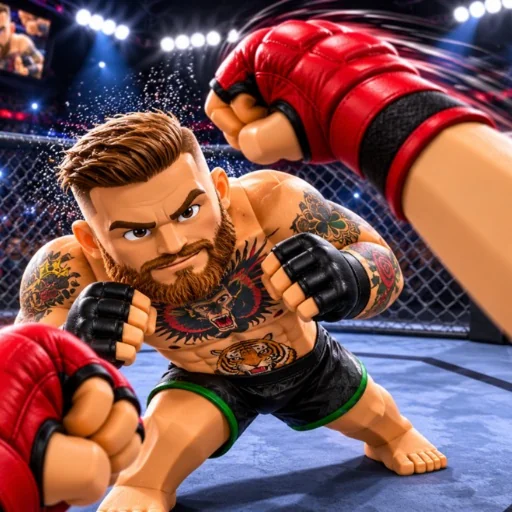
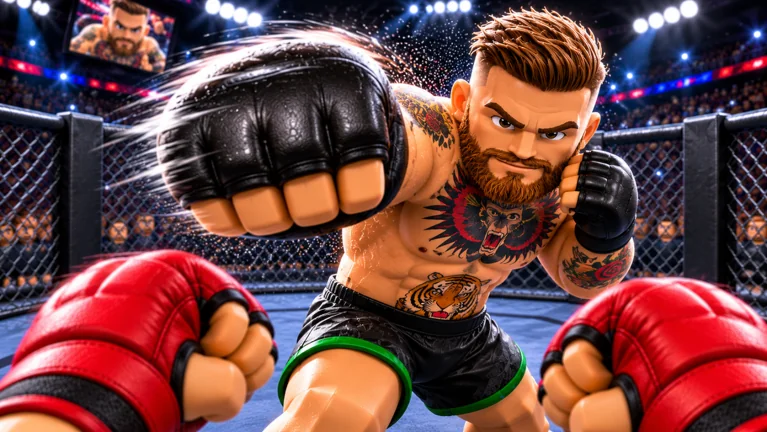
No official control list for Realistic Ragdoll MMA has been published, so this page will not invent keys. What Roblox does confirm is the platform list and the named moves: punches, kicks, throws, and flying knees, on PC, controller, and mobile. Any chart that assigns a specific key to a flying knee is, at best, an unverified note from outside the game, and one popular chart says so itself. Start from the Realistic Ragdoll MMA wiki if you still need to confirm the place ID is 124780003623150.
To be confirmed. Keyboard, mouse, controller, and touch bindings are to be confirmed. So is any block, dodge, clinch, or get-up button.
The three platforms that are confirmed
The official description ends its feature list with PC, controller, and mobile support. That sentence is enough to say the experience is not PC-only, and it is not enough to draw a button map. Controller support does not tell you the face button for a kick, and mobile support does not tell you whether the touch controls are buttons, a joystick, or both. Those layouts stay to be confirmed until someone can cite an in-game screen or a developer post.
A different game, Ragdoll MMA [CAREER MODE], tells its own players to open Controls from the main menu. That instruction is printed in MattValidd's description and applies to place ID 76205942520539. Copying it here would send readers looking for a menu this wiki has not verified. The which game is which page keeps that sentence on the correct experience.
Moves the creator actually named
Punches are the first move in the official list. The description does not split them into jab, cross, hook, or uppercut, so this wiki does not either. Kicks are the second named family, again without a high, low, or body distinction. If those splits exist in the cage, they are to be confirmed.
Throws are described with the phrase toss your opponent. That is a grappling outcome, not a button. The page will not add a clinch range, a stamina cost, or a direction, because none of those numbers were published. Flying knees are the fourth named attack, and they are also the one players search for, which is why they get their own heading below without a fake input.
Flying knees, throws, and the physics
A flying knee is in the description, so it is fair to say the move exists as a named attack. It is not fair to say it is bound to a particular key, or that it always knocks down, or that it has a published cooldown. The same paragraph says every hit can turn the fight around and that ragdoll reactions make fights unpredictable. That is a design claim about physics, not a combo recipe.
Physics-driven combat means the useful skill may be timing rather than a memorized string, and even that reading is an interpretation of the description. This guide stops at the interpretation and does not add frame data. There is no official combo list, no damage table, and no published stamina bar. Until those appear, a combo planner would be fiction.
What a new player can rely on
You are fighting in a cage, against people, in a server of at most 10 players. Private servers are not allowed, so you cannot buy a private cage from the Roblox menu for this experience. The avatar type is MorphToR15, which describes how Roblox loads the body, not a fighter you customize from a published style list. None of that tells you the first button to press, and the page is not going to pretend it does.
The Ranked Mode event asks players to climb the ranks and be the champion between the published timestamps. It does not publish the rank names, the points for a knockdown, or whether a fight is one round. Update 2 later promises new gamemodes and new styles, which means the move list you learn in November may gain names this wiki does not have yet. Read Ranked Mode and Update 2 for the dates, and treat any style tier as to be confirmed.
Why this page stays partly blank
A long controls article is easy to fake, because every fighting game has a block button in the reader's imagination. Gfxlift's guide for this title is the longest page in the early search results, and it labels its own control table as not live-build verified. Percentages it shows are described there as illustrative estimates. Repeating those keys would launder a guess into a wiki, so they are left out.
YouTube guides titled with controls and grabs were checked in the research pack by their frames. The frames showed the RFC cage and finish replays of MattValidd's game, not the official thumbnails of Ultimate Champion's game. Those videos are useful evidence of the name collision and useless evidence of this game's inputs. When a verified clip of place ID 124780003623150 exists, the blank rows can be filled with a citation.
- Confirmed moves: punches, kicks, throws, flying knees.
- Confirmed platforms: PC, controller, mobile.
- Confirmed space: a cage, with ragdoll reactions.
- To be confirmed: every key, button, and gesture.
- To be confirmed: block, dodge, sprint, emote button, and menu locations.
- To be confirmed: damage, stamina, round length, and how a fight ends outside Ranked marketing text.
What to open next
If you were looking for a code rather than a button, use the codes page, which is empty for an honest reason. If you were about to buy spins to learn a move, the shop page shows the prices and says the rewards are unpublished. If the screen in your video says RFC, you want the other game's own wiki, not a key invented for this one. The player-count and identity facts sit on the FAQ.
What are the realistic ragdoll mma controls on PC?
They are to be confirmed. The official description says the game supports PC, and it does not list keys.
How do you throw?
The description says you can toss your opponent. It does not give the input. The throw input is to be confirmed.
How do you do a flying knee?
Flying knees are a named attack. The button or gesture is to be confirmed, and no damage value is published.
Does mobile have different moves?
Mobile is supported. Whether the move list changes by platform is to be confirmed.
Can I use the RFC game's control list?
No. That list belongs to Ragdoll MMA [CAREER MODE] by MattValidd. This game has not published one.